CREATE / NEW
PREVIEW
Flux 3 access is coming soon
Aspect Ratio16:9
DurationImage mode
Native AudioNot applicable
Explore Flux 3 AI image generation and editing, text-to-video, image-to-video and video-to-video creation, with clips up to 20 seconds, multilingual dialogue and native synchronized audio. Generator access on Flux3AI is coming soon.
Flux 3 is designed to work across visual frames, time and sound. These capabilities can support a more coherent path from first idea to finished sequence.
Create new compositions from language or reshape an existing visual with references, varied formats and multilingual typography.
Turn text, images, source clips or keyframes into motion while carrying subjects, styles and story direction into new scenes.
Generate sound together with video so dialogue, ambience and physical events can be conceived as one synchronized result.
The Flux 3 image generator brings image synthesis and editing into one workflow across a wide range of styles, aspect ratios and resolutions. It is designed for complex prompts, accurate typography and text rendering in multiple languages.
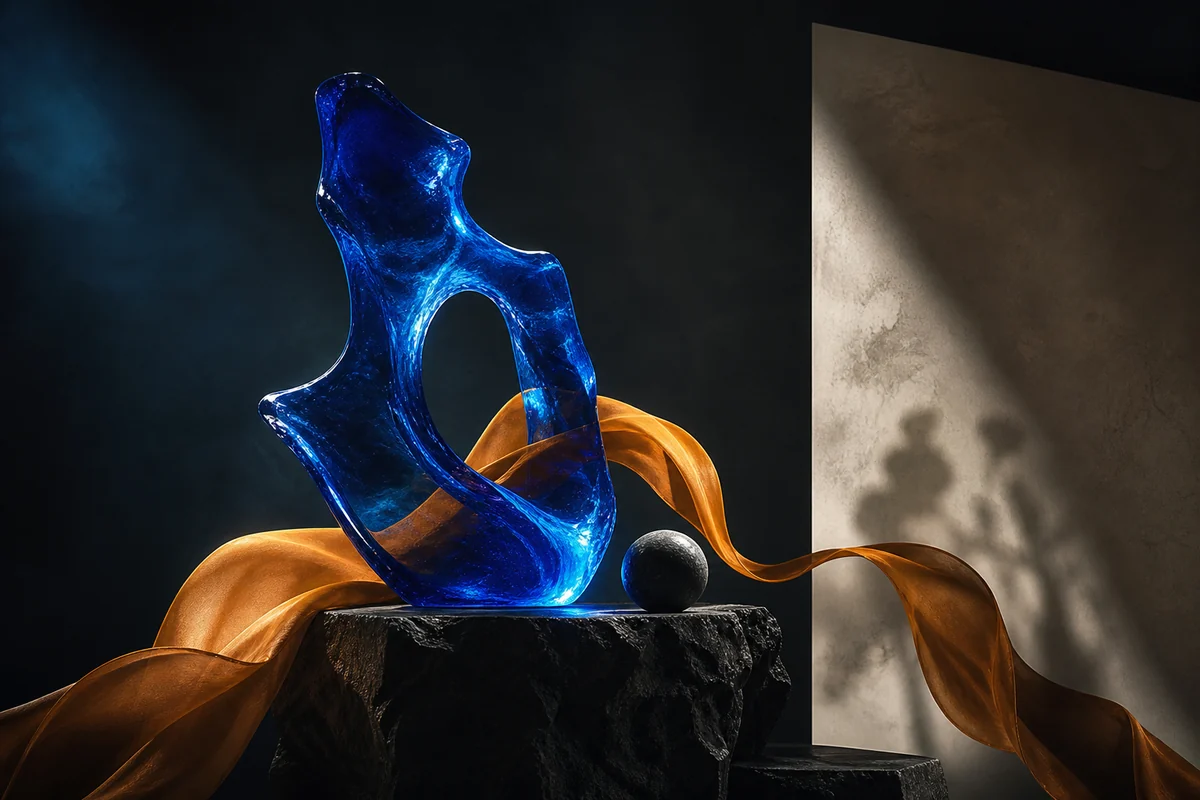
Flux 3 Video can use text, images, source video or defined keyframes, with native audio included in announced outputs. A single generation can run for up to 20 seconds and can include multilingual dialogue.
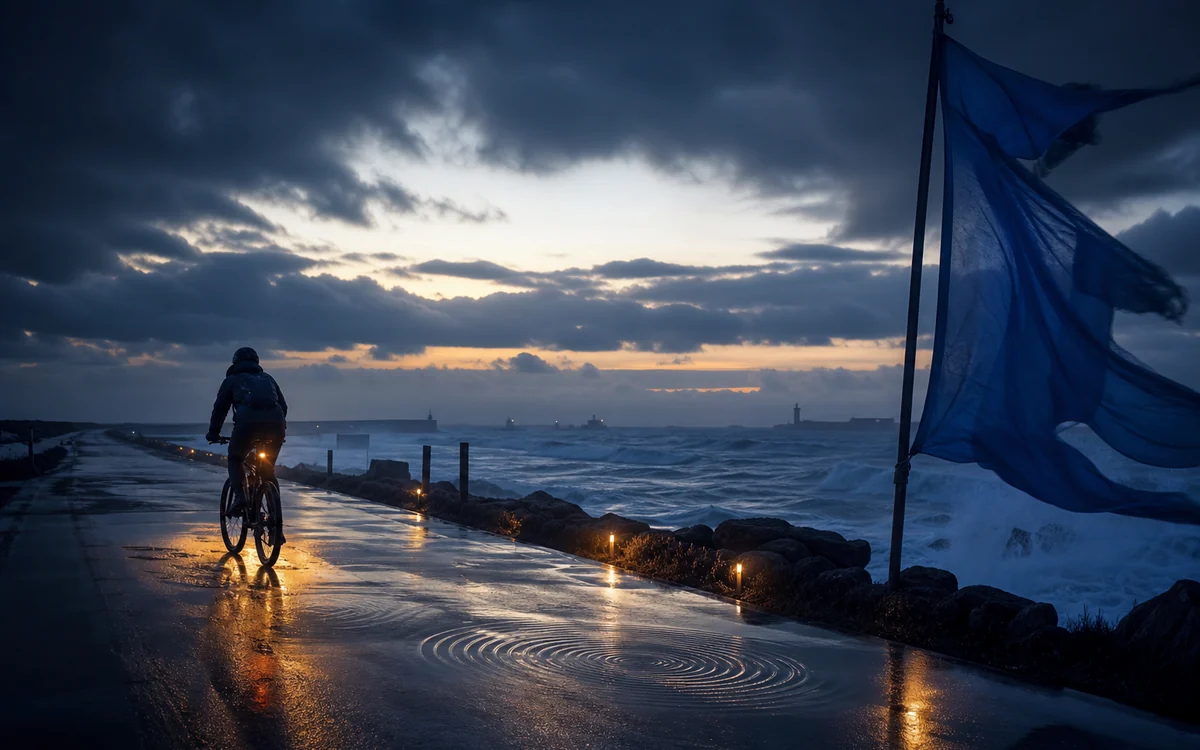
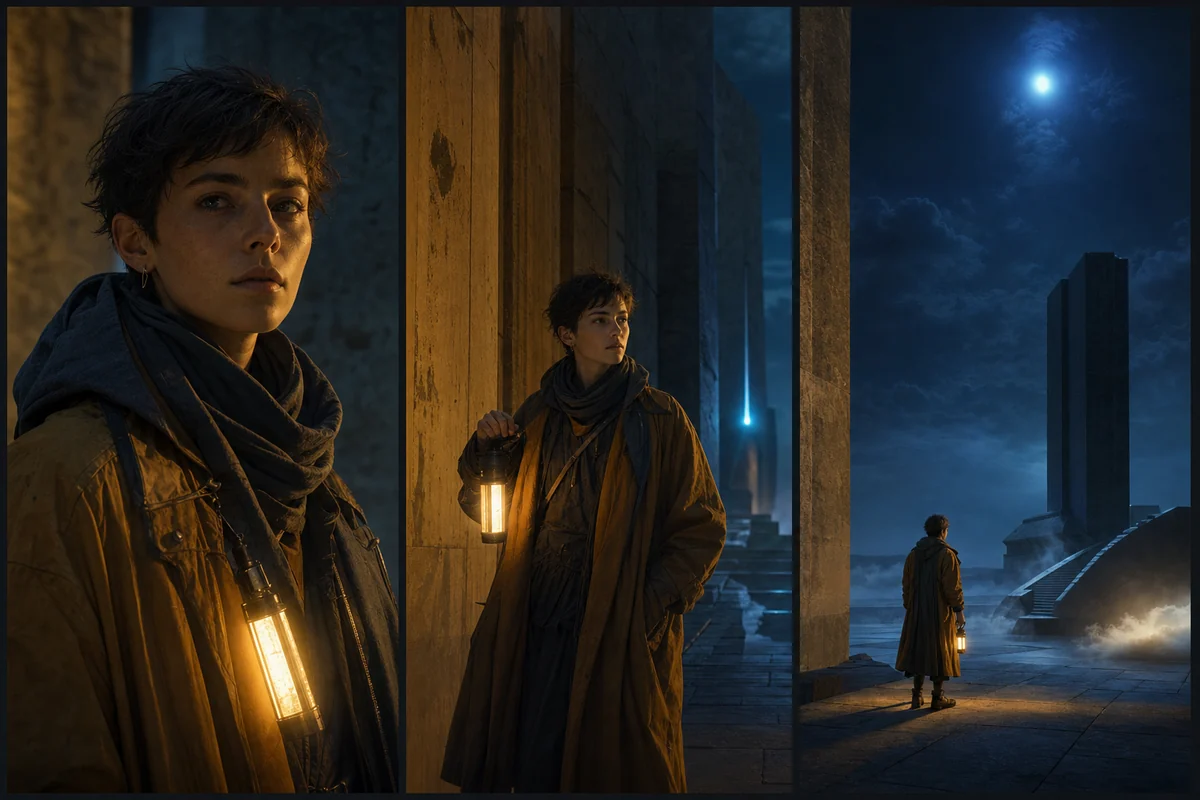
Reference-guided workflows are intended to help central visual elements carry into new scenes. That matters when a story depends on a recognizable character, controlled art direction and continuous atmosphere.
The Flux 3 AI generator connects prompt-first creation with reference-led image, video and audio workflows.
Turn a written prompt into polished still visuals for concepts, campaigns and story frames.
Reshape an existing visual with prompt edits, references, style changes and typography.
Direct motion, camera language and scene behavior from a concise creative brief.
Animate a starting frame while preserving subject identity, mood and composition.
Use a source clip as structure, then restyle or extend it into a new visual direction.
Continue motion and sound together so ambience, dialogue and timing stay connected.
Guide the beginning, middle and end of a shot with defined visual beats.
Create spoken moments that align with character action and the surrounding scene.
The Flux 3 AI generator workflow combines text prompts, reference images, source videos and creative settings in three straightforward steps.
Begin with a written brief, an image, a source clip or a controlled frame.
Set the format, duration and whether the video brief should include native audio.
Review the result, refine prompts or references, and export the selected image or video.
From a first visual thought to a sequence with synchronized sound, Flux 3 can support diverse concept and production workflows.
Explore product worlds, launch concepts and adaptable visual directions before committing to a full shoot.
Develop still and motion concepts for different formats while keeping a coherent visual language.
Test shots, transitions, performances and atmosphere before expensive production begins.
Carry a recognizable subject through multiple scenes, scales and lighting conditions.
Conceptualize visuals where rhythm, ambience and physical sound belong to the same creative brief.
Establish characters, environments and mood across still frames and moving scene studies.
Tell us whether image generation, video generation or both matter most to your workflow. We will use that signal to shape the first Flux3AI experience.
Flux 3 is a multimodal foundation model. It jointly learns from images, video and audio in one architecture to support connected visual and audiovisual generation workflows.
Flux 3 Video is in Early Access. Flux 3 Image early access is expected to follow in the coming weeks. Access is limited and the broader rollout is still in progress.
Yes. Flux 3 can synthesize and edit images across varied styles, aspect ratios and resolutions, with complex prompt handling and multilingual text rendering.
Yes. The announced Flux 3 Video capabilities generate video with native audio, including multilingual dialogue and sound aligned with visual events.
The official announcement states that Flux 3 can create video with audio up to 20 seconds long in a single generation.
A Flux 3 AI generator can support image generation and editing, text-to-video, image-to-video, video-to-video, keyframe-controlled video, video and audio continuation, multilingual dialogue and native synchronized audio.
Yes. The announced Flux 3 Video capabilities include image-to-video generation from a starting frame or visual reference, plus video-to-video generation from a source clip.